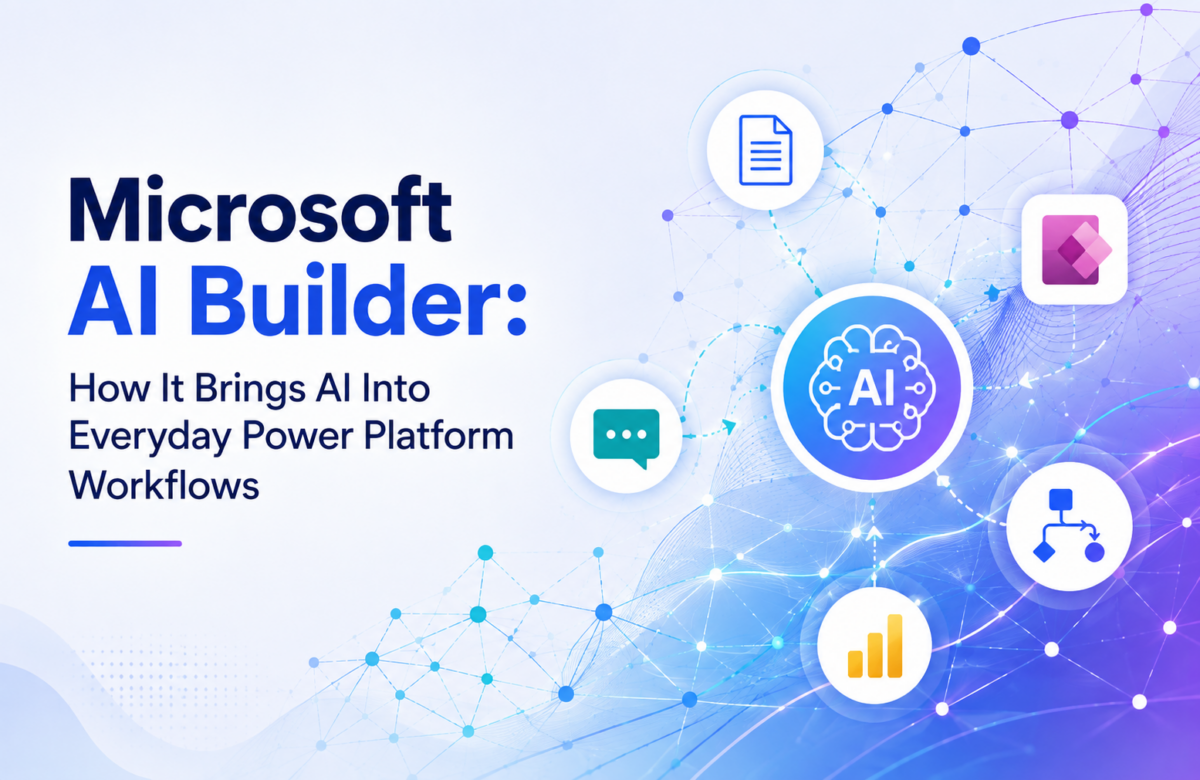
Microsoft AI Builder: How It Brings AI Into Everyday Power Platform Workflows
Most businesses don’t need a data science team to start using AI. They need AI to show up inside the tools their employees already open every day. That’s the real promise of Microsoft AI Builder. It doesn’t ask you to build a machine learning model from a blank page. It gives you a set of ready-made and trainable AI capabilities that plug directly into Power Apps, Power Automate, and Dataverse, so intelligence becomes part of a process instead of a separate experiment sitting on the side.
At Vaden Consultancy, most of the conversations we have with Dynamics 365 and Power Platform clients don’t start with whether to use AI. They start with a more practical worry: where to begin, and how to make sure it doesn’t turn into another tool nobody actually uses. That’s usually the gap AI Builder fills first.
What Exactly Is Microsoft AI Builder?
AI Builder is a low-code AI feature inside Power Platform. It lets business users and developers add AI capabilities to apps and automated flows without writing model code or managing infrastructure. Under the hood it offers two broad paths.
Prebuilt models are ready to use out of the box for common needs like reading invoices and receipts, detecting sentiment, recognizing text in images, identifying business cards, or translating content. Custom models get trained on your own business data when the requirement is specific to how your organization actually works classifying your particular document types, say, or predicting an outcome based on your historical records.
The difference matters in practice. A prebuilt model gets you moving fast on a generic scenario. A custom model takes more setup but reflects your business instead of a generic average.
How the AI Builder Process Actually Works
Teams that get real value from AI Builder tend to follow a fairly consistent path:
- Start with a specific pain point. Not “we want AI.” Something concrete, like “our team spends about six hours a week manually keying in supplier invoices.”
- Pick the right model. Match a prebuilt model to the scenario if one exists, or plan for a custom model if the data is unique to your business.
- Feed it real data. Documents, images, or text that represent what the model will actually encounter in production, not idealized samples.
- Train and evaluate. Custom models need testing against real examples before anyone trusts them with live decisions.
- Publish and connect. Once approved, the model gets wired into a Power Automate flow or a Power App so its output actually does something.
Organizations that skip straight to “let’s automate everything with AI” usually end up with a model that technically works but doesn’t fit how people actually get their jobs done. We’ve seen this happen with a client who wanted AI Builder rolled out across four departments in month one. It backfired. Starting narrow and proving value on a single process is what makes the next phase easier to justify and easier to fund.
Where AI Builder Actually Adds Value
Document-heavy processes are the obvious starting point. Accounts payable, contract intake, ID verification, expense processing all of these involve someone reading a document and typing what they see into a system. AI Builder’s document processing models can extract fields like vendor name, amount, and date directly, which cuts out the manual re-typing and the errors that tend to come with it.
Text is another area worth a look. Sentiment analysis and entity extraction let a support or sales team see, at a glance, whether an incoming message is urgent, positive, or needs escalation, before a human even opens it.
Then there’s prediction. When an organization has enough historical data, custom prediction models can flag patterns a person might miss: which leads are more likely to convert, which service tickets are likely to get re-opened.
And more recently, generative prompts. You can build prompts that summarize a record, draft a response, or extract structured information as JSON so it flows straight into the next automation step, no manual reformatting required.
None of this replaces judgment. It just removes the repetitive first pass so people can spend their time where a human decision genuinely matters.
What to Think Through Before You Deploy It
AI Builder is approachable, but “low-code” doesn’t mean “no planning.” A few things worth getting right early:
Data quality comes first. A custom model is only as reliable as the examples it was trained on inconsistent or incomplete data shows up later as inconsistent predictions, usually at the worst possible moment.
Security and governance need a real decision, not a default. Who can build, publish, and use models? How does that intersect with your existing Dataverse security roles and data loss prevention policies?
Performance monitoring shouldn’t stop at go-live. Models should be checked against real outcomes over time, not approved once and forgotten in a corner of your environment.
Licensing and capacity are easy to underestimate. AI Builder consumption is tied to credits, so it’s worth understanding usage before rolling a model out across every team.
Scale changes the math. A model built for one department’s workflow may need a different architecture once three more departments want in.
This is usually where organizations without an in-house Power Platform team bring in outside expertise, less because the tool is hard to click through and more because getting the architecture, security, and data pipeline right the first time avoids a costly rebuild later.
Connecting AI Builder to Dynamics 365
The strongest results tend to show up when AI Builder isn’t a standalone tool but a layer inside processes you already run in Dynamics 365. A model could read an incoming email and classify the request, summarize a long case history for a support agent before they pick up the phone, or pull key details out of a contract the moment it lands in a shared folder. Sales teams can use it to process lead information faster. Service teams can use it to triage incoming cases before a human ever touches them.
This is where our Power Platform Solutions work usually begins for clients: not a big-bang AI rollout, but identifying one or two processes inside their existing Dynamics 365 environment where AI Builder can remove real manual effort, then expanding once that first use case proves itself.
When AI Builder Is and Isn’t the Right Fit
AI Builder tends to be a strong fit when a process involves large volumes of repetitive documents or text, when existing Power Apps or Power Automate flows could benefit from an AI step, when business data already lives in Dataverse or a connected system, or when the organization genuinely wants to prove value on a focused use case before scaling further.
It’s less suited to highly specialized machine learning problems, or scenarios that need heavy custom data science infrastructure. Those cases usually call for a different toolset. The decision should follow the business problem, not the other way around and frankly, we’d rather tell a client AI Builder isn’t the right fit than force it into a use case where it’ll disappoint everyone six months in.
Getting Support When You Need It
Plenty of teams evaluate a few AI Builder scenarios on their own and get meaningful results. Others reach a point where they want a second set of eyes on data quality, governance, or how a model should connect into a broader Dynamics 365 architecture. That’s usually when organizations start looking for Power Platform consulting services, not to hand the whole project off, but to get the planning and architecture right before scaling an AI use case across more teams.
At Vaden Consultancy, our approach to Power Platform development services starts with understanding the actual bottleneck in a client’s process rather than the feature list of the tool. AI Builder is powerful. It earns its place in a solution only when it’s solving something real.
The Real Takeaway
AI Builder is valuable when it removes a genuine bottleneck from a process your team already runs, not because it’s AI. The organizations that get the most out of it start small, pick a real pain point, and build outward from there instead of trying to automate everything at once.
If you’re weighing where AI Builder could fit inside your Dynamics 365 or Power Platform environment, Vaden Consultancy can help you map the right starting point and build it properly the first time.
Frequently Asked Questions
Is AI Builder a no-code tool?
It’s built for low-code use many scenarios need no traditional programming though more advanced implementations often still benefit from Power Apps, Power Automate, or Dataverse expertise.
What’s the real difference between prebuilt and custom models?
Prebuilt models handle common, well-defined scenarios out of the box. Custom models are trained on your own data and fit situations specific to how your organization works.
Does AI Builder require Dataverse?
Many AI Builder scenarios rely on Dataverse, though exact requirements vary by model and use case.
Can AI Builder work with Dynamics 365?
Yes. It can process documents, classify incoming requests, summarize records, and trigger Power Automate flows tied to Dynamics 365 data.
Is it suitable for enterprise use?
It can be, provided the organization plans for governance, security, capacity, and ongoing monitoring rather than treating it as a one-time setup.
Follow VADEN Consultancy on LinkedIn for more insights on Microsoft Dynamics 365, Business Central, Power Platform, Power BI, AI, Azure Cloud, CRM, ERP, automation, cybersecurity, and business technology.