
The Approval Workflow Gap Most Business Central Field Service Teams Don’t See Coming
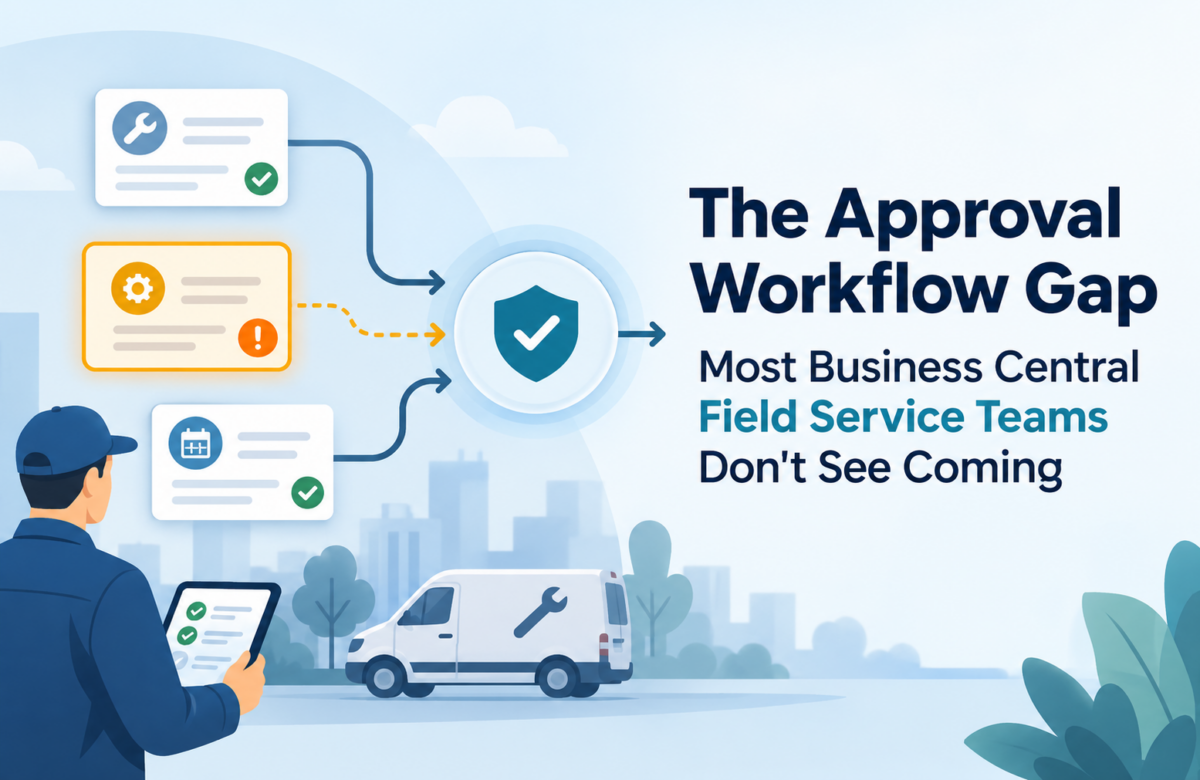
Here’s a scenario most Operations Directors will recognize. A field technician closes out a work order from the parking lot. He adjusts a part quantity because the job took two extra units. At the same time, someone in the warehouse runs a routine cycle count and updates the same item. Neither person made a mistake. But by Friday, finance, dispatch, and inventory each have a different number for the same part. Nobody agrees on which one is real.
This isn’t a training issue. It isn’t a data-entry mistake either, at least not in the way most companies assume. It happens when the system lets changes flow through without checking whether they conflict with something that just happened somewhere else. Inventory records can look clean right up until one more edit lands on top of them and quietly breaks the picture everyone thought they had.
Mid-size companies running field service inside Dynamics 365 Business Central hit this kind of drift more often than leadership realizes. It rarely shows up as an error message. It shows up three weeks later, as a billing dispute or a stockout nobody can explain which is usually the point where someone starts looking for a Dynamics 365 Business Central consultant to figure out what’s actually going wrong.
Why Field Service Data Drifts Out of Sync So Easily
Field service behaves differently than most other ERP workflows. Technicians update records from a van, a job site, or a customer’s loading dock. The connection is often spotty. They’re usually in a hurry. Dispatchers reassign work mid-day. Warehouse staff count and receive inventory in parallel. All of that activity touches the same tables: inventory, job costs, resource usage, and sometimes fixed assets tied to service equipment.
Without approval gates, every one of those updates posts the moment someone hits save. Nothing pauses to ask whether this change conflicts with something that happened ten minutes ago. Nothing here is technically corrupted, either. Five different people are simply editing the same record within the same hour, and none of them can see what the other four just did.
We see this most with companies that grew into field service rather than starting there. Someone configured Business Central for straightforward inventory and finance work first. Field service came later. Nobody went back to rethink how changes should get reviewed once two departments started touching the same records.
What Actually Breaks When There’s No Review Step
The consequences rarely show up where you’d expect them. It’s usually not the technician’s update itself that causes the visible problem. It’s the collision between that update and something else touching the same record around the same time. A few patterns show up again and again:
Billing runs off inventory numbers that were correct at 9am but wrong by the time invoicing kicks off that afternoon. Finance then issues credit memos for charges that were technically accurate when the job closed just not anymore.
Reorder points misfire in both directions. A part shows available when it isn’t, or a purchase order goes out for something already sitting in the van.
Audit trails turn muddy fast. Three people can touch a record in one afternoon, and the system only shows the last change. Reconstructing what actually happened takes real archaeology. [STAT NEEDED: average hours lost per month to reconciling field service data conflicts would strengthen this point.]
None of this feels like a crisis on any single Tuesday. It’s a couple of hours reconciling numbers. One extra credit memo. A dispatcher who pauses to double-check a quantity they’re not sure about. Add that up across a quarter, though, and it becomes a real drag on the team the kind of cost that never shows up as a single line item, so it never gets fixed.
How Approval Workflows Close the Gap
Business Central actually handles this problem well, and the 2026 Wave 1 updates made it meaningfully better. Industry commentary from ERP practitioners has flagged approval workflows and the built-in quality controls in field service as among the more consequential changes in this release. That tracks with what we’ve seen in client environments.
An approval workflow doesn’t stop people from doing their jobs. It routes a change a large inventory adjustment, a cost override, a fixed asset update to someone who can catch a conflict before it posts. That’s the entire shift: catch it before, not fix it after. Instead of finance discovering a billing discrepancy during monthly close, the system holds the change until a supervisor confirms it makes sense against everything else that happened that day.
Set up well, this barely touches the field team’s day. A technician still closes the work order the same way. The system quietly decides whether that specific change needs a second set of eyes before it becomes the official record. Your team defines the rules dollar thresholds, specific item categories, which user made the change, whatever actually fits your operation.
Why Configuration Is Where Most Teams Get Stuck
Approval workflows are easy to turn on. They’re surprisingly easy to get wrong, too. Set the thresholds too low, and every field update gets flagged for review — now you’ve built a bottleneck that frustrates technicians and slows down billing. Set them too high, and you’re back to the original problem, just with an unused workflow sitting there.
In our experience, this is usually where internal IT teams get stuck. It’s not that they don’t understand Business Central. Getting the rules right requires knowing exactly where this specific company’s data tends to break, and that takes digging through past discrepancies before anyone can design around them.
This is where a Dynamics 365 Business Central consultant tends to earn their keep. Someone who has configured field service approval workflows across a range of companies has already seen which threshold patterns create bottlenecks and which ones let real problems slip through. That pattern recognition is hard to build from the inside, on your first pass, using only your own data.
Vaden Consultancy handles exactly this kind of Dynamics 365 Business Central consulting for mid-size US companies. We review how data actually moves through your field service operation, then build approval workflows and quality controls around the specific places where things tend to break not a generic template copied across every client.
Some companies need more than configuration. If your data problems trace back to gaps in the original setup, that points toward a Dynamics 365 Business Central implementation project that builds these controls in from day one rather than bolting them on later. Other teams already have the right foundation but need extra hands for a defined stretch of work — custom integrations, testing, or building out approval logic beyond the standard rule set. In those cases, it often makes more sense to hire Dynamics 365 Business Central developers for that specific window than to pull your internal team off their regular work.
Frequently Asked Questions
What does a Dynamics 365 Business Central consultant actually do in a situation like this?
Mostly diagnostic work, before any configuration starts. A consultant maps out where your field service process lets more than one person touch the same data, then figures out which of those points cause the conflicts you’re actually seeing. From there, they build approval rules around those specific points not a blanket policy applied everywhere. Configuration is usually the fast part. Finding the real pattern takes the time.
How is this different from asking our Microsoft partner's support desk to turn on approval workflows?
Turning the feature on takes a few minutes. Setting thresholds, routing rules, and exceptions that match how your team actually works that’s what determines whether it helps or just adds friction. A support ticket gets you the feature. Dynamics 365 Business Central consulting gets you a configuration built around your actual data.
Will approval workflows slow our field technicians down?
Not when they’re set up correctly. Technicians should still close work orders the same way they do today. The approval step runs behind the scenes, only for changes that genuinely need a second look, based on thresholds your team sets. If technicians start noticing delays, that usually means the rules are too broad and need tightening not a reason to drop the approach.
Do we need a full Dynamics 365 Business Central implementation to fix this, or is it a smaller project?
For most companies already running Business Central, this is a configuration and process project layered onto your existing setup, not a reimplementation. A full Dynamics 365 Business Central implementation only makes sense when you’re building the system from scratch, or making changes to core financial or inventory structure that go well beyond field service approvals.
When does it make sense to hire Dynamics 365 Business Central developers instead of bringing in a consultant?
Standard approval workflows rarely need custom development most of it is setup inside Business Central itself. Development comes into play when your logic needs something outside the standard rule set: a custom field, an integration with a third-party field service app, or a scenario Business Central doesn’t handle natively. In those cases, bringing in developers for a defined stretch of work beats forcing a standard configuration to do something it wasn’t built for.
How do we know if our field service data problem is actually an approval workflow gap?
Check your last few billing disputes or inventory discrepancies. Ask whether more than one person touched the record before the problem surfaced. If the pattern is two people updating the same thing within a short window, with only one version sticking, that’s an approval workflow gap. If it traces back to bad initial data entry or a training issue, the fix looks different. A second set of eyes usually spots this faster than anyone working inside the day-to-day noise.
Follow VADEN Consultancy on LinkedIn for more insights on Microsoft Dynamics 365, Business Central, Power Platform, Power BI, AI, Azure Cloud, CRM, ERP, automation, cybersecurity, and business technology.