
Dynamics 365 Customer Service Gets Governance Guardrails: What Your CRM Team Should Know
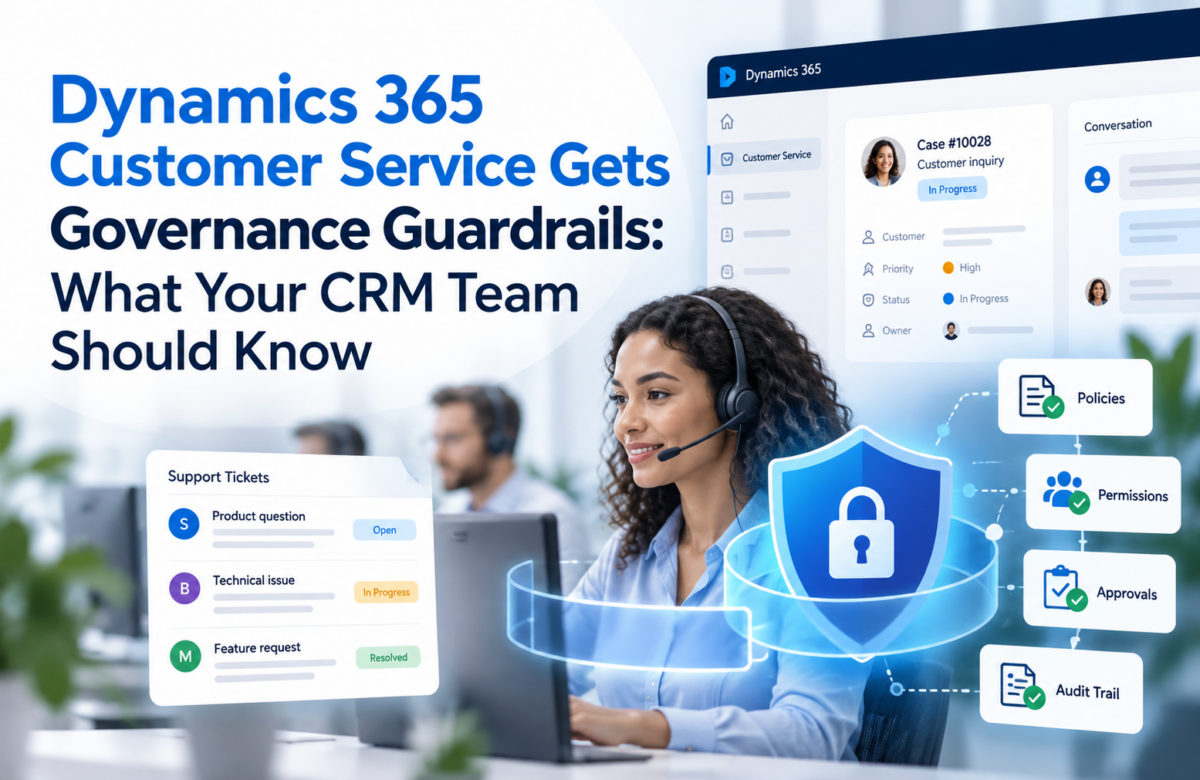
AI now drafts replies, summarizes cases, and answers customers on its own. That speed helps your service team. It also raises a fair question: who checks what goes out the door?
Microsoft has started to answer that question with a new governance capability in Dynamics 365 Customer Service. A second update matters just as much for marketing teams. Customer Insights Journeys lets you carry existing consent data forward instead of collecting it again.
This post covers both updates in plain terms, so you can plan with confidence.
What Governance in Dynamics 365 Customer Service Does
Governance adds a rule-checking layer to outbound email. It reviews each message before it leaves, whether a service rep or an AI agent wrote it.
Picture a rep answering an angry customer about a late delivery. In a rush, they paste in internal details that should stay private. Now picture an AI agent doing the same thing at scale. Governance is built to catch both cases.
You define the rules in your own words. They can cover:
- Company policies
- Legal disclaimers
- Brand guidelines
- Privacy rules
- Restrictions on naming competitors
Every violation creates a row in the msdyn_guardrail_execution_info table. Supervisors can review these rows later.
Before You Turn It On
Check these items first:
- Permissions: Policy managers need full access to the governance tables (the msdyn_guardrail_* set and msdyn_governanceagent_status). Reps only need read access to msdyn_governanceagent_status.
- Copilot Credits: The feature consumes credits, so set them up in advance.
- Data movement consent: Approve potential data movement across regions.
- AI agents: Enable them in the Power Platform admin center.
- The feature switch: Open the Copilot Service admin center, go to Quality Management, and turn on Governance.
Building Your First Policy
Supervisors create policies in the Customer Service Workspace app. Microsoft ships a few ready-made policies for profanity, groundedness, and email template adherence. You can also write your own.
Here is the flow:
- Give the policy a name and a plain-language description.
- Select Generate Policy Instructions. AI turns your description into formal instructions.
- Note that you cannot edit those instructions directly. If they look wrong, rewrite your description and generate them again.
- Choose who wrote the email you want to check: AI, reps, or both.
Content type is limited to email for now.
Choose How Strictly to Enforce
Enforcement decides what happens after a violation.
| Mode | What the sender sees | What the system does |
| Flag | Nothing | Sends the email and logs the violation |
| Block | A pop-up with a review option only | Stops the email and logs the violation |
| Warn | A pop-up that still allows sending | Logs the violation, and logs a second one if the rep sends anyway |
Flag mode works well for testing. Your team keeps working, and supervisors still see what the policy catches.
Set the Policy Strictness
Strictness is a separate setting. It controls how closely the system reads each email. It does not control what happens next. The four levels are Low, Medium (the default), High, and Very High. Higher levels catch smaller deviations, so they can also flag harmless emails.
You can also scan attachments in .docx, .pdf, and .txt formats. The system reads text only and skips images.
Test Before You Publish
The simulation feature lets you try unpublished policies on real sample data. You can upload an Excel file or pull emails from your Dynamics 365 environment. A simulation accepts up to 30 emails. Review the results, adjust the policy, and only then publish.
A safe rollout looks like this: start with Flag mode and Medium strictness, run a simulation, and tighten the settings once the results look right.
Moving Existing Consent Data into Customer Insights Journeys
Teams moving to real-time journeys often ask the same thing: what happens to the consent preferences we already hold?
The answer starts with a change in the consent model. Older records use the Email and Bulk Email fields on contacts and leads. Real-time journeys rely on contact point consent records linked to compliance profiles and purposes. If you skip the migration, contacts may receive nothing at all. Worse, old opt-outs may not carry over.
The Load Consent feature closes that gap. It reads consent signals from your contacts, leads, or legacy subscription lists. It then creates contact point consent records in bulk. Subscription lists come from the Outbound Marketing app, which Microsoft is retiring.
How Load Consent Behaves
- It reads only the email field set in your audience configuration.
- It checks both the Email and Bulk Email flags. One “Do Not Allow” is enough to opt the contact point out.
- When several records share one email address, a single holdout opts out the whole address.
- It can create tracking consent records from contacts. Leads have no tracking field.
- It is a one-time bulk migration, not a live sync.
To run it, open Customer Insights Journeys, go to Audience, then Consent Center, and select Load consent. Pick your source, choose the compliance profile and purpose, map the fields, and run the load.
Do and Don’t
Do:
- Export your current consent data to Excel first.
- Double-check which purpose holds commercial email and which holds transactional email.
- Run a small test batch, especially if you have many duplicate addresses.
- Spot-check shared email addresses after the load.
Don’t:
- Don’t expect it to read custom consent fields. Use Import from Excel for those.
- Don’t treat it as ongoing sync. Later changes on the record will not carry over.
- Don’t assume it supports other data sources. It handles contacts, leads, and legacy subscription lists only.
What This Means for Your CRM Roadmap
Both updates point to the same lesson. Trust, control, and compliance now belong in the design phase, not the cleanup phase.
If you are planning a Dynamics 365 CRM implementation, build governance policies and consent structure into the first project plan. Retrofitting them later costs more and creates gaps in your data.
Integrations deserve the same attention. Consent often lives in outside tools such as email platforms, web forms, or older databases. A Dynamics 365 CRM integration should decide early how those records map into compliance profiles and purposes. Because Load Consent does not sync, an ongoing flow of consent changes needs its own design.
The right set of Dynamics 365 CRM solutions will combine service governance, marketing consent, and clean data. Together they give your AI features safe boundaries.
How Vaden Consultancy Can Help
Vaden Consultancy supports CRM, Business Central, Power Platform, and Azure projects. That includes AI and security work. We help you plan governance, migrate consent data, and connect the systems around them.
If your roadmap needs extra hands, you can hire a Dynamics 365 developer from our team for a fixed project or an ongoing engagement.
Final Thoughts
AI in customer service works best with clear limits. Governance gives supervisors a way to set those limits and test them before launch. Load Consent gives marketers a way to keep years of customer preferences intact. Plan both early, test with small batches, and treat compliance as part of the build.
Ready to put these updates to work? Talk to the Vaden Consultancy team about your next Dynamics 365 project.
Frequently Asked Questions
Does governance check only AI-written emails?
No. It checks emails from AI agents and from service reps. You choose which group each policy covers.
Can I edit the AI-generated policy instructions?
Not directly. Change your description and generate the instructions again.
Does Load Consent keep my data in sync?
No. It runs as a bulk migration. Later changes on contact or lead records do not update the consent records.
What if my consent lives in a custom field?
Load Consent will not read it. Import the data from Excel instead.
Follow VADEN Consultancy on LinkedIn for more insights on Microsoft Dynamics 365, Business Central, Power Platform, Power BI, AI, Azure Cloud, CRM, ERP, automation, cybersecurity, and business technology.