
From Records to Next Steps: How AI Agents Work Inside Dynamics 365 CRM
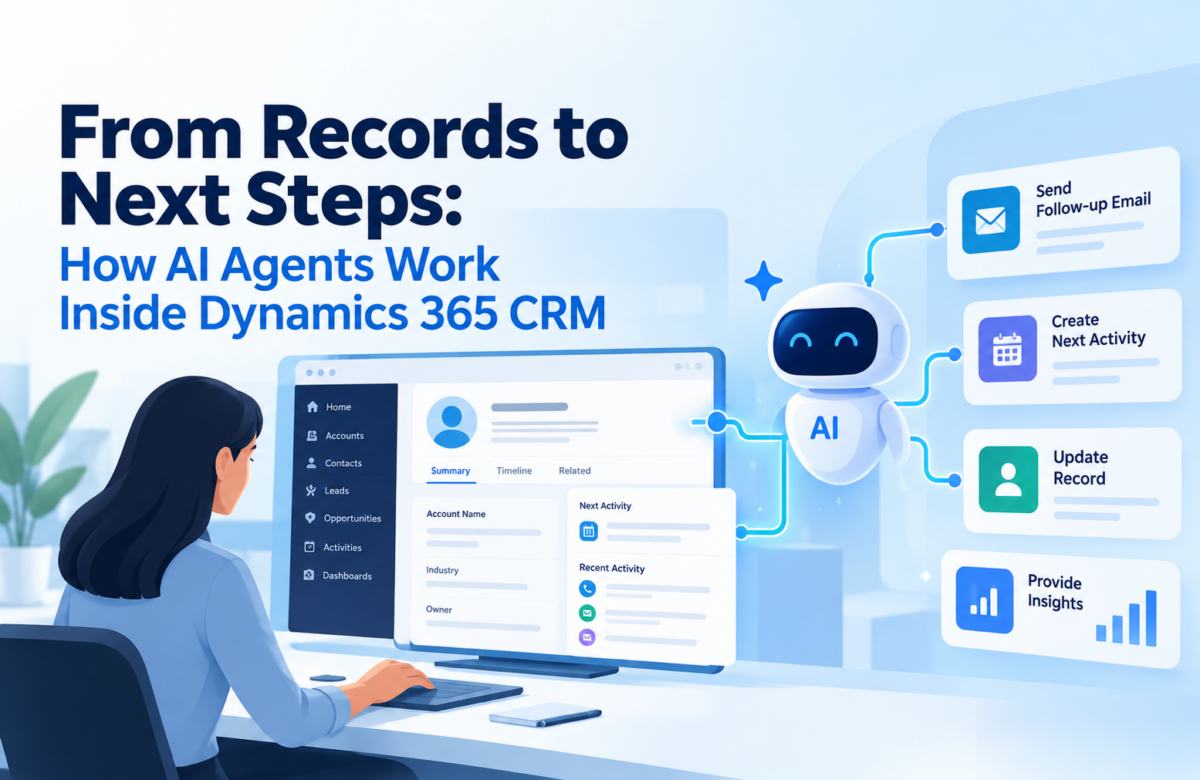
A sales rep has a customer call in twenty minutes. Before it starts, they open the account, scroll through old emails, check the open opportunity, hunt for the last quote, and ask a colleague what was promised in the previous meeting. A service agent does the same thing with cases and knowledge articles. None of this work is hard. It is just slow, and it happens dozens of times a day.
The data is almost never the problem. Dynamics 365 already holds the conversations, activities, opportunities and cases. What is missing is a quick way to turn all of that into a clear next step. That is the gap AI agents are being built to close.
This post explains how a CRM agent actually works, where it fits in sales and service, what has to be in place for it to behave safely, and how to tell whether it is worth the effort. If you are planning one of the Dynamics 365 CRM solutions for your team, or already run one, this is the layer that sits on top.
The real gap: information is there, action is late
Most teams do not complain that their CRM is empty. They complain that it takes too long to get anything useful out of it. Context is spread across records, timelines, linked documents and other systems. People connect the dots by hand, and the dots get connected differently depending on who is doing it.
An AI agent shortens that step. It reads the records the user is allowed to see, pulls what matters for the task, and either presents it or suggests what to do. The person still decides. The time saved is the searching.
What a CRM agent actually is
Strip away the marketing and an agent in Dynamics 365 has four parts:
- A purpose. One clear job, such as preparing a rep for a meeting or helping an agent resolve a case.
- The data it can read: Dataverse tables, approved documents, knowledge articles, SharePoint content.
- What it is allowed to do beyond answering, such as creating a task or updating a field.
- The rules that say when it acts, when it asks, and when it stops.
Microsoft Copilot Studio is the usual place to build this. It connects the agent to data sources, and agent flows built on Power Automate or connectors carry out the actions. The agent is only as good as these four parts are defined, so start with the job, not the tool.
Where agents help in Dynamics 365 Sales
Think of the moments where a rep stops to dig for information:
- Before a meeting: the agent gathers the opportunity summary, key contacts, earlier emails and meetings, and open tasks. Copilot in Dynamics 365 Sales already offers meeting preparation along these lines, for opportunities.
- Mid-deal: it finds what the customer was promised earlier, so commitments do not get lost between handovers.
- After a call: it drafts a follow-up email or task for the rep to review, based on what was discussed.
In each case the rep reviews a ready-made picture instead of building one.
Where agents help in Dynamics 365 Customer Service
Service work has its own repeated searches:
- Finding knowledge articles that match the case description, as Copilot’s Ask a question already does
- Checking whether the same customer raised a similar issue before
- Pulling approved resolution steps from your knowledge articles for a known problem type
- Summarising a long case history when it moves to another agent, which the Copilot case summary already covers
Here the gain is consistency as much as speed. Two agents looking at the same case should land on the same approved guidance.
Dynamics 365 CRM Data Integration: The Foundation Agents Depend On
An agent can only work with what it can reach. If your records are inaccurate, the answers will be too. If knowledge articles are out of date, it will quote them anyway. If invoice or order status lives in another system and never reaches the CRM, the agent cannot tell a rep that a renewal customer has an overdue payment.
Before building anything, check three things:
- Record quality. Duplicates, missing owners, wrong stages and blank activity dates all feed straight into poor suggestions.
- Knowledge sources. Are the articles and documents current, and is there one approved version?
- Connected systems. Which other tools hold facts the agent will need, and do they sync with Dynamics 365?
Fixing these first is dull work, but it decides whether the agent is trusted or ignored in the first month.
Not all agent tasks carry the same risk
Answering a question and changing a record are very different jobs. Treat them differently.
| What the agent does | Example | Controls you need |
| Retrieves information | Shows recent activity on an account | Correct read permissions, current data |
| Recommends an action | Suggests a follow-up for the rep | Clear logic, a visible reason for the suggestion |
| Executes an action | Creates a task or updates a field | Write permissions, validation, approval where needed, error handling |
Most teams should begin in the first row, move to the second once people trust the output, and reach the third only for well-defined tasks.
Securing what the agent can do
Take a simple example: an agent that creates a follow-up task after a customer call. Before it goes live, you need answers to questions like these:
- Which records can it read, and which can it change?
- Under whose permissions does it run?
- What stops it from creating the same task twice?
- What does it do when a required detail, like a contact or due date, is missing?
- When does a person have to approve the action first?
Set these rules in advance. Where data must be restricted, set the agent to use the signed-in user’s own authentication, so Dataverse security roles and SharePoint permissions apply to that person. Be careful with connections that use the maker’s credentials, because the agent then acts with the maker’s access. Keep a record of what the agent did so mistakes can be traced. Copilot Studio stores conversation transcripts in Dataverse, with a default retention of 30 days that you can extend, and Microsoft Purview can audit agent activity.
Test the awkward cases, not the demo
A demo with clean data and one happy path tells you very little. Build a test set that includes the messy situations real users create:
- A contact with no email address
- Two opportunities for the same account at once
- A case with a long, confusing history
- A user who asks for something the agent should refuse
- A connected system that is down when the action runs
If the agent handles these gracefully, with a clear message or a handover to a person, it is ready for a pilot.
Measuring whether it works
The number of conversations an agent handles is not a useful measure. Business results are. Record a baseline before launch, then compare:
- Sales: time spent preparing for meetings, time spent finding account details
- Service: time spent finding the right article, consistency of the steps followed, manual effort per case
- Quality: wrong suggestions, incorrect record updates, corrections users had to make
Speed that creates wrong updates is not a gain. Watch accuracy and security alongside the time savings.
Moving from manual lookups to agent-assisted work
Treat this as a phased change, much like moving a team onto a new system. Pick one workflow, such as meeting preparation or knowledge retrieval for a single case type. Run it with a small group. Fix what they find. Then widen it.
A Dynamics 365 CRM implementation that already runs cleanly, with tidy data and clear ownership, is far easier to extend this way than one still carrying years of unresolved clutter.
Getting outside help
If you do not have the skills in-house, look for a Dynamics 365 CRM implementation partner for US operations that can explain, in plain terms, how they will handle permissions, testing and measurement, not only how they will build the agent. Ask for examples of similar workflows they have delivered, how they involve your business users, and who maintains the agent after launch.
Final thoughts
Your CRM already holds what your teams need. The value of an AI agent lies in getting that information in front of them at the right moment, with clear limits on what it can do. Get the data in order, plan Dynamics 365 CRM data integration so the agent sees the full picture, start with low-risk tasks, and measure against a baseline.
Vaden Consultancy is a Microsoft Solutions Partner in Ahmedabad, India, helping businesses in India and the US with Dynamics 365 CRM, Business Central, Power Platform, Azure and AI. To talk through where an agent could fit in your Dynamics 365 setup, write to us at [email protected].
Frequently Asked Questions
How do AI agents improve Dynamics 365 workflows?
They retrieve customer information, find relevant knowledge and start configured workflows, which cuts the manual searching in sales and service.
How does Microsoft Copilot Studio connect to Dynamics 365?
It links agents to supported data sources and CRM systems, and uses configured actions, often through Power Automate, to support a specific process.
Can an agent update CRM records?
Yes, with the right integration, permissions and safeguards. Updates need tighter control than answers, so add validation and approval steps.
What should we check before building one?
Data quality, integration needs, security permissions, where human approval is required, and how you will measure results.
Follow VADEN Consultancy on LinkedIn for more insights on Microsoft Dynamics 365, Business Central, Power Platform, Power BI, AI, Azure Cloud, CRM, ERP, automation, cybersecurity, and business technology.