
Headless CRM in Dynamics 365: What It Means for Customer Service, Automation and Cost
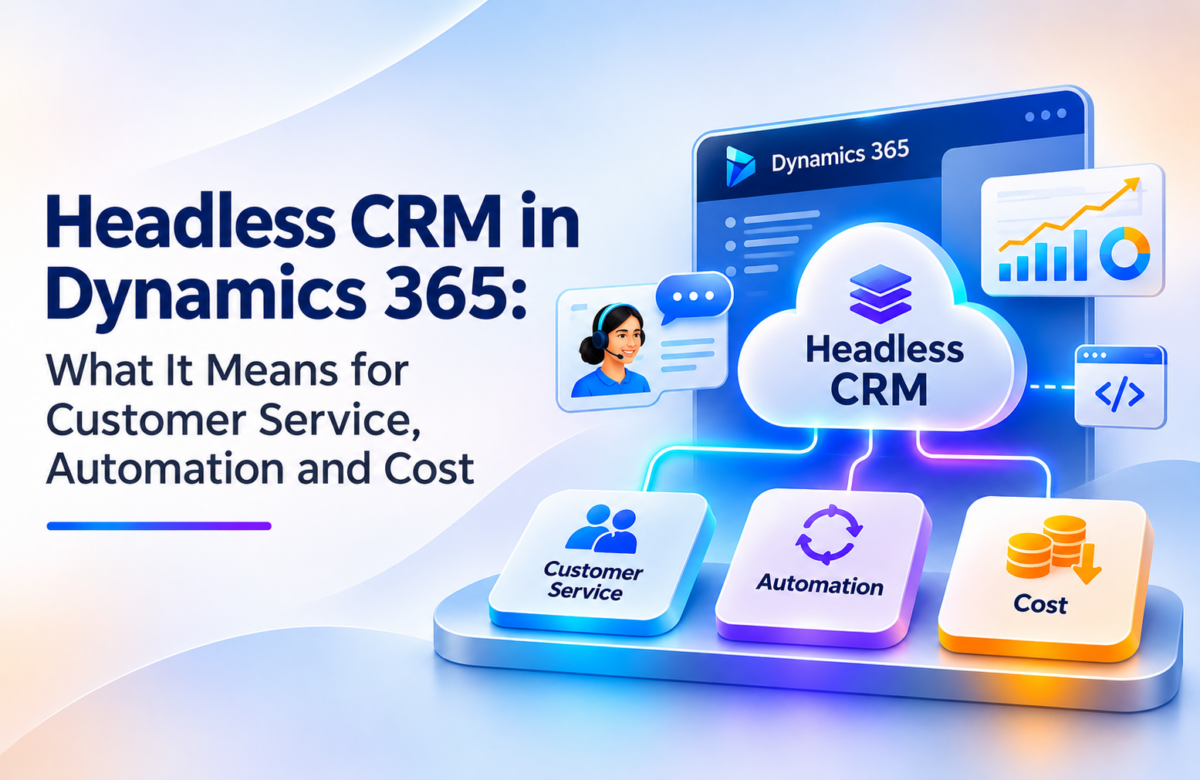
Ask a customer service rep how much of the day goes to helping customers, and you will usually hear about the other part. Switching between the CRM, email, Teams, a knowledge base and a spreadsheet somebody built three years ago. Meanwhile the customer is on hold while the rep hunts for a case history.
This is the problem the idea of “headless CRM” is trying to solve. The label sounds odd, but the idea is simple, and it is starting to shape how Microsoft is building its Dynamics 365 CRM solutions. This post explains what it means, how it works, and what it could change for customer service, automation and cost. It also covers the questions you should answer before you act
What “headless CRM” actually means
A traditional CRM is a database with a screen on top. Reps log in, click through forms and views, and update records by hand.
A headless CRM separates the two. The data and the business logic stay in the CRM. The screen, the “head”, becomes optional. Customer records and actions are reachable through APIs, so they can be used from other places: Microsoft Copilot, Microsoft Teams, a customer portal, a chat window, even a voice assistant. A person, or an AI agent working for that person, can pull a customer’s history or create a follow-up task without ever opening the CRM interface.
One note on wording. “Headless CRM” is industry shorthand, not a product name from Microsoft. You will not find it as a license or a button in the admin center. It describes a direction of travel.
What Microsoft has announced so far
In October 2026, Microsoft described its plan to bring CRM into the flow of work. Based on public coverage of that announcement, there are 30 prebuilt skills across Dynamics 365 Sales, Customer Service and Customer Insights. A skill is a defined task that an AI experience, such as Copilot, can carry out against CRM data.
Two points matter here:
- Dynamics 365 is still the foundation. The structured customer data and business processes remain where they are. The change is in how people reach them.
- Several practical details are still open in the public material: which licenses each scenario needs, how availability differs by tenant or region, and the exact setup steps. Commentators have also noted that some agents, such as the Sales Development Agent, will consume credits. If you plan around any of this, confirm the current terms in Microsoft’s documentation first.
The architecture behind it
Infosys published a white paper this year that describes a four-layer model for headless CRM on Microsoft’s stack. It is a useful way to picture how the pieces fit, even if you never adopt their exact terms.
- Dynamics 365 and Microsoft Dataverse hold customer, account, case and interaction data. This is the single source of truth, with security and auditing built in.
- Business rules, approvals and workflows live here. Power Automate handles orchestration, and a Model Context Protocol (MCP) server can expose business actions, such as “update a case” or “fetch a customer profile”, as tools an agent can call with the right permissions and logging.
- AI agents built with Copilot Studio and Azure AI Foundry summarize, research, qualify and recommend next steps.
- Teams, web and mobile apps, portals, email and chat. Because the layers are decoupled, you can change this layer without disturbing the data underneath.
The practical benefit is that you can modernize one layer at a time. You do not have to replace the whole system to give your reps a better way to work.
What it changes for customer service
The white paper gives a few examples worth borrowing.
A relationship manager in banking asks Copilot inside Teams to summarize a client’s portfolio. The agent pulls CRM and core banking data, applies compliance rules and returns open cases, product interest and a suggested next step. The manager never opens the CRM.
An insurance claims team lets customers start a claim by chat or voice. The agent gathers context, checks coverage and prior interactions, asks for missing documents and routes complex claims to a specialist. Supervisors see exception alerts rather than reading every transcript.
In both cases the gain is the same. Less time is spent finding information, so more time goes to the conversation with the customer.
What it changes for automation
Traditional automation in a CRM is usually a fixed flow: when X happens, do Y. Agents add something different. They can read a request, decide which steps apply, and call several actions in sequence, such as checking an entitlement, creating a work order and notifying a technician.
That does not remove the need for rules. If anything, rules matter more, because an agent should only do what your process allows. A sensible setup keeps approvals, validation and permissions in the Action layer and lets the agent work inside those limits. Human review stays in the loop for anything that affects money, contracts or customer commitments.
What it changes for cost
This is the part where a little honesty helps, because the claims around AI and cost tend to get ahead of the facts.
Places where savings are plausible:
- Fewer one-off, brittle integrations, since a standard way to expose actions replaces custom connections for each tool.
- Less rework when you change the front end, because the data layer is not touched.
- Gradual modernization instead of a rip-and-replace project.
- Time saved on lookups, summaries and routine updates.
Places where costs can appear:
- Licensing across Dynamics 365, Microsoft 365, Copilot and agent consumption. Public discussion suggests this can get complicated.
- Cleaning up data so agents can use it reliably.
- Governance work: who can do what, through which channel, with what audit trail.
- Training, so staff know when to trust agent output and when to check it.
We would not put a percentage on the savings for your business without looking at your setup. Anyone who does is guessing.
Where your ERP fits in
Customer service questions rarely stop at the CRM. “Has my order shipped?” “Was this invoice paid?” “Is that part in stock?” Those answers sit in finance and operations data.
If your back office runs on Business Central or another ERP, an agent that can only see CRM records will give half an answer. The headless approach works best when the agent can reach both sides. For companies on Business Central, that comes down to Dynamics 365 CRM data integration: Business Central exposes its data through standard APIs and connects to Dataverse, so customer and order information can be shared with the CRM layer instead of being copied by hand or re-keyed between systems.
The Infosys paper makes the same point in a manufacturing example, where an agent combines Field Service data with ERP records to check warranty status, suggest a technician and trigger a work order.
Before you start: a short checklist
- Check your data. Duplicate accounts, missing fields and inconsistent statuses will confuse an agent the same way they confuse a new hire.
- Pick one or two scenarios. Case summaries for service reps is a good starting point. Do not try to cover everything at once.
- Decide who reviews what. Define which agent actions need human sign-off.
- Map your licenses. Confirm what you already own and what each scenario would add.
- Look at your back office. If Business Central is part of your stack, a well-planned back-office setup gives the CRM layer clean, consistent finance and inventory data to work with. If it is messy, fix that first.
- Confirm availability. Check Microsoft’s current documentation for your region and tenant before promising anything to your team.
The takeaway
Headless CRM is not about getting rid of Dynamics 365. It is about letting people reach the information and actions they need from wherever they already work, while the CRM keeps the data clean, secure and auditable. The idea is sound, but the details on licensing and availability are still settling, and the results depend heavily on the quality of your data and the way you set limits for agents, which is why a careful Dynamics 365 CRM implementation matters.
If you are weighing this up for your own business, Vaden Consultancy can help you map where it makes sense. Our team works across Dynamics 365 CRM, Power Platform, Azure and AI, and as a Dynamics 365 CRM implementation partner for US businesses, we cover planning, integration and ongoing support. Write to us at [email protected] and we will take a look at your setup.
Frequently Asked Questions
What is headless CRM in Dynamics 365?
It means customer data and business actions stay in Dynamics 365 but can be reached from other places, such as Copilot, Teams, a portal or a chat window, without opening the CRM screen. The term is industry shorthand, not an official Microsoft product name.
Does headless CRM replace the Dynamics 365 interface?
No. Dynamics 365 still holds the structured data and business processes. People can keep using the familiar screens. Headless simply makes those screens optional for tasks that are easier to do elsewhere.
What are the 30 prebuilt skills Microsoft announced?
Microsoft described 30 prebuilt skills across Dynamics 365 Sales, Customer Service and Customer Insights. A skill is a defined task that an AI experience such as Copilot can run against CRM data. A full skill-by-skill list and setup steps were not part of the public coverage, so check Microsoft’s documentation.
What licenses are needed?
The public material does not confirm a required license bundle. Costs may involve Dynamics 365, Microsoft 365, Copilot and agent consumption, and some agents consume credits. Verify the terms for your own scenario before planning a budget.
Is it generally available?
Availability for the announced skills and the Teams experience was not clearly stated in the sources we reviewed. Dynamics 365 Activate was described as being in public preview, but that should not be applied to every capability. Confirm availability for your region and tenant.
Can agents work with ERP data as well as CRM data?
Yes, in principle. Agents can call APIs and connectors to combine CRM records with finance and operations data, for example to check an order or invoice status while answering a service request. This only works well when the data on both sides is clean and consistent.
Follow VADEN Consultancy on LinkedIn for more insights on Microsoft Dynamics 365, Business Central, Power Platform, Power BI, AI, Azure Cloud, CRM, ERP, automation, cybersecurity, and business technology.